
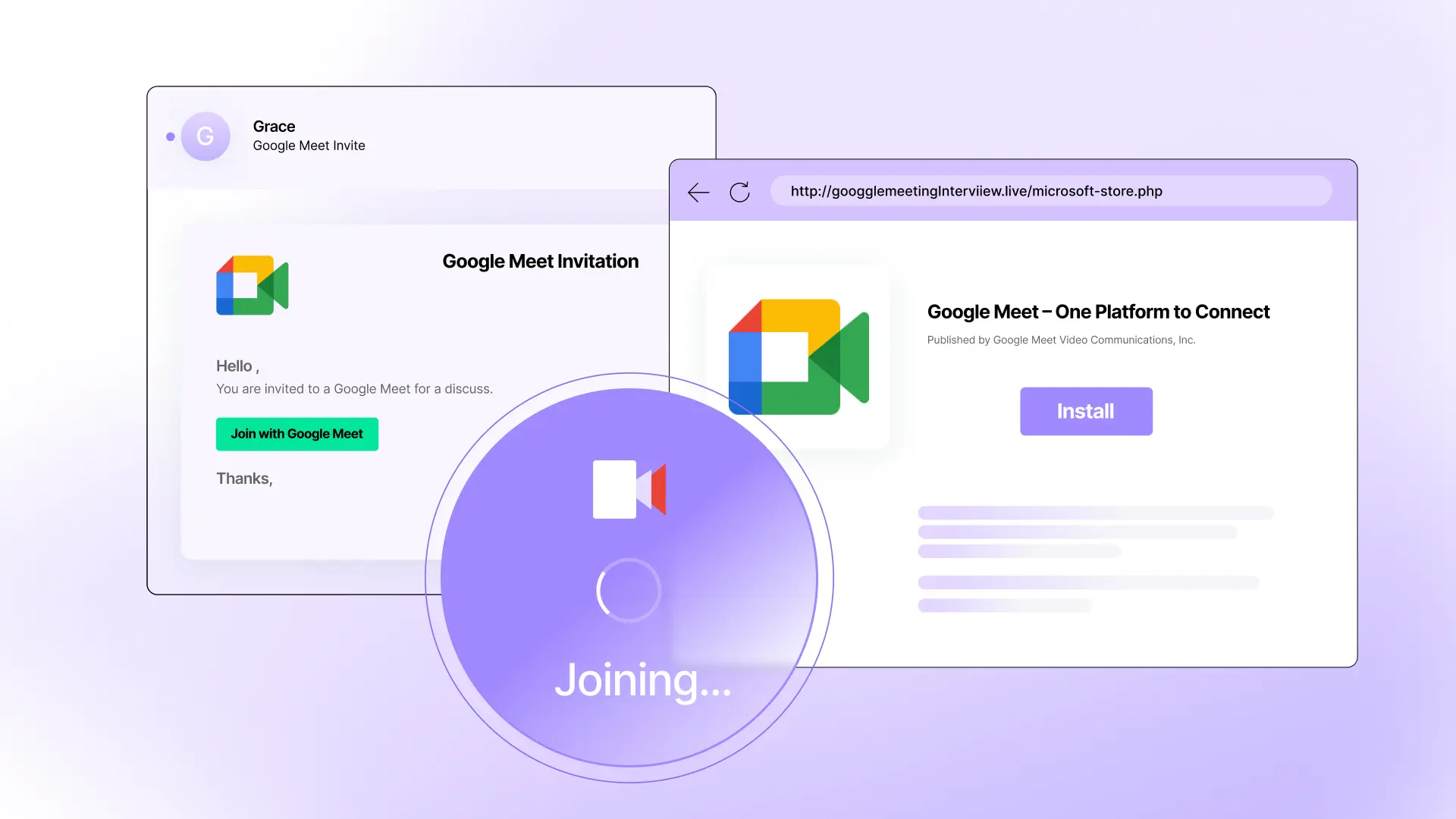


Attacks featuring fake meeting invites are increasing in popularity. While these attacks are not new, they are evolving to include more convincing levels of impersonation. One specific trend we’re seeing is that more attacks that use fake Microsoft Store pages to deliver fake virtual meeting installers.
Two weeks ago, we published a post about how Zoom-based malware attacks have been targeting real estate agents, but Zoom isn't the only virtual meeting platform being impersonated. Other platforms like Microsoft Teams and Google Meet are just as prone to impersonation and abuse. In this post, we’ll look at a fake Google Meet invitation that lead to a malware installer.
Suspicious Google Meet invite
This attack starts with an impersonation of a Google Meet invitation, sent from neither a corporate nor Google Meet domain. In this case, it’s sent from a domain that’s less than a month old (a common attack signal).
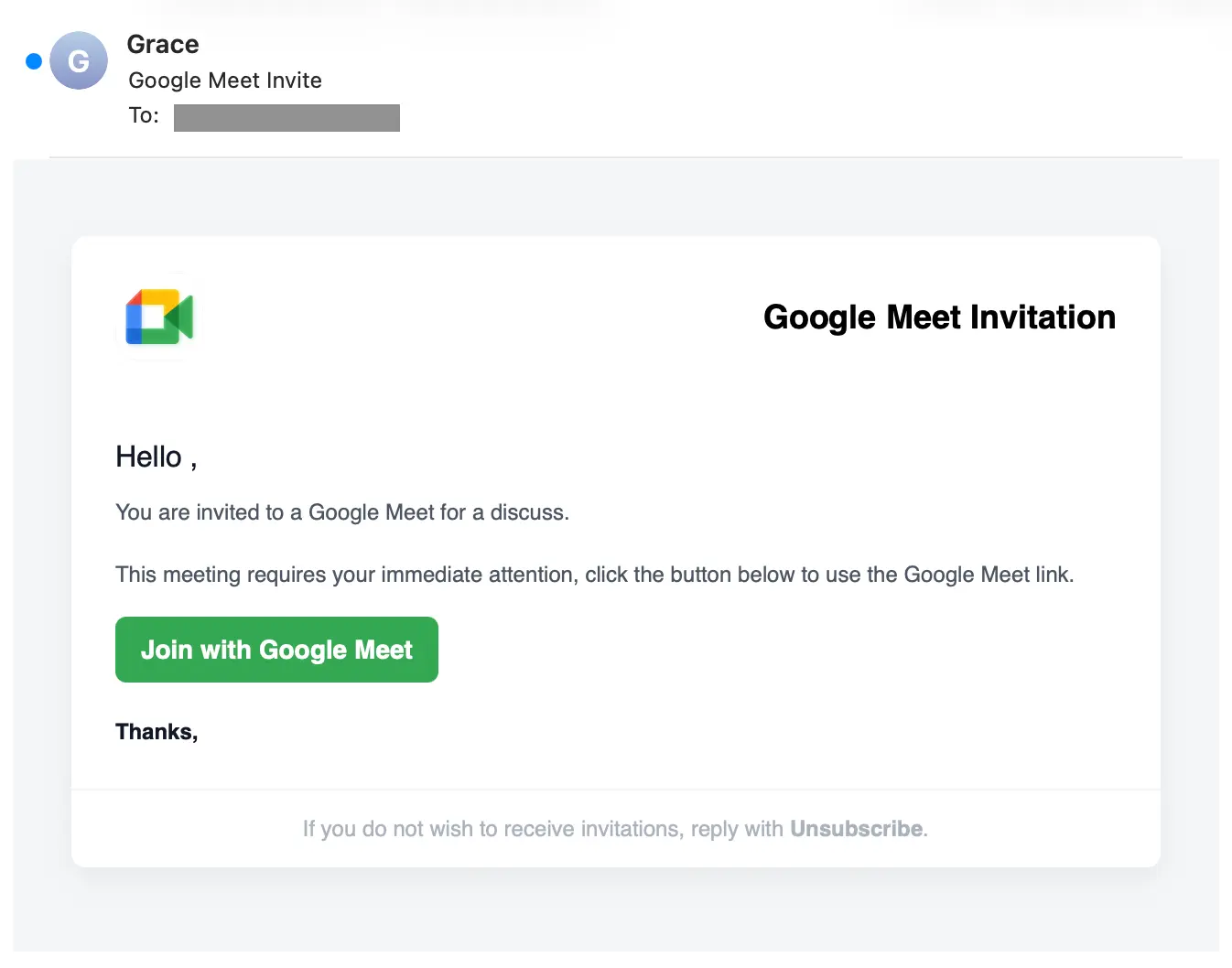
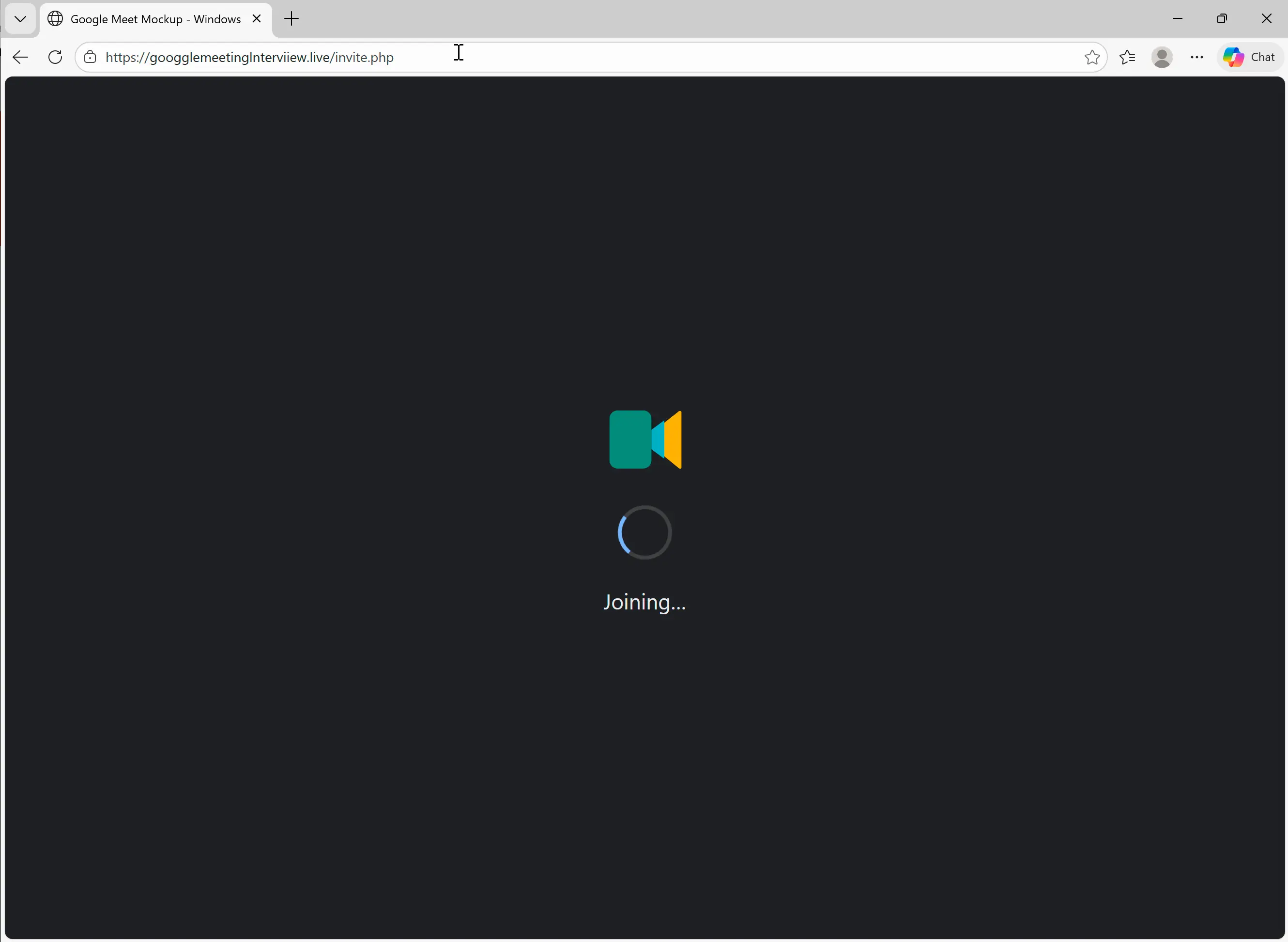
If the target clicks the Join with Google Meet button, they’re taken to https://googglemeetinglnterviiew[.]live/invite.php. Note that the URL has Google Meet impersonation elements, as well as typos and character substitutions. These are both evasion tactics, the impersonation for humans and the typos/subs for scanners.
The page that launches contains an animation that imitates the “Joining…” progress screen of a Google Meet meeting.
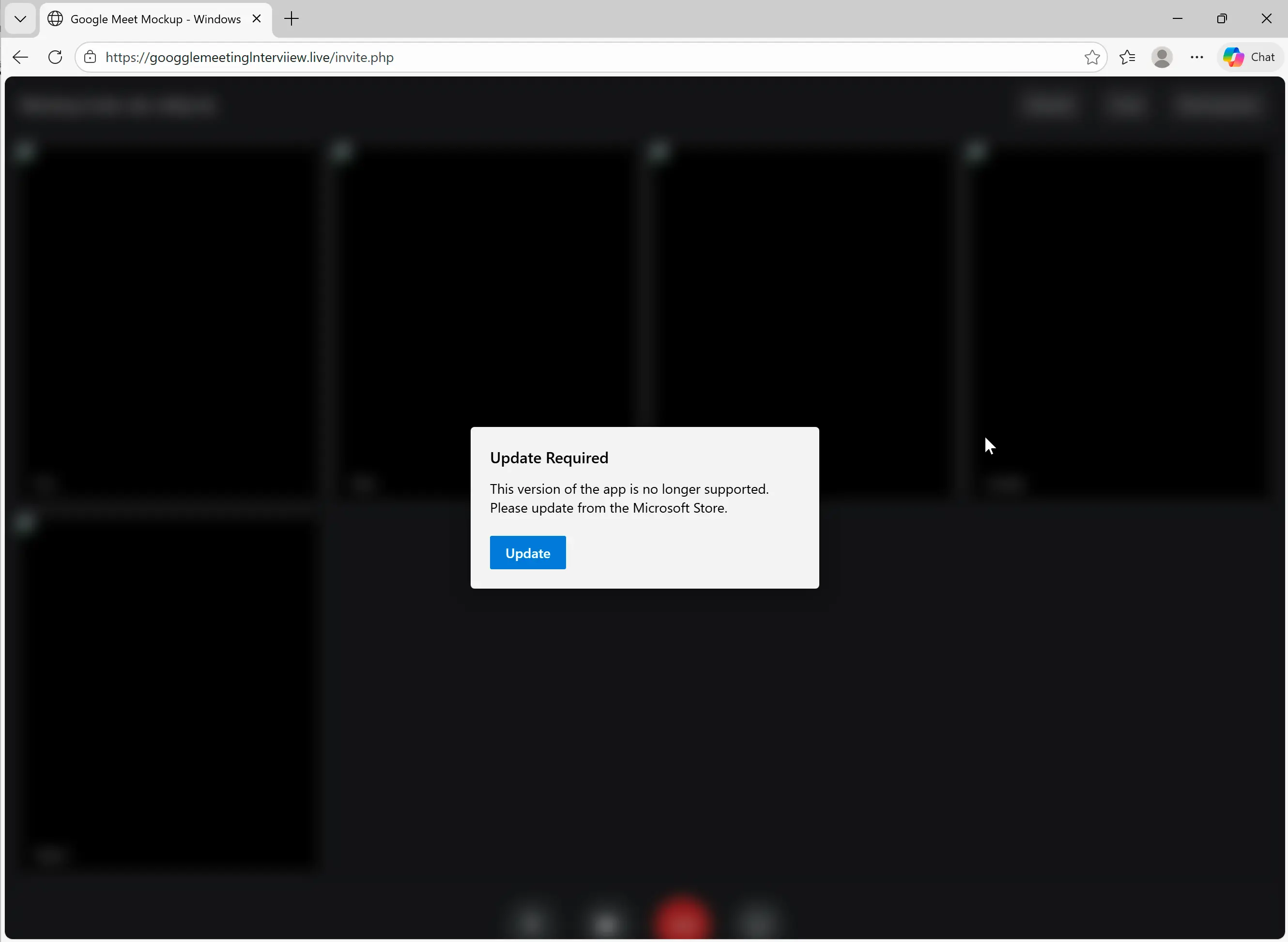
Rather than going to a meeting, though, the target is given an Update Required pop-up.
Clicking the Update button takes the target to a fake Google Meet page in an impersonated Microsoft Store.
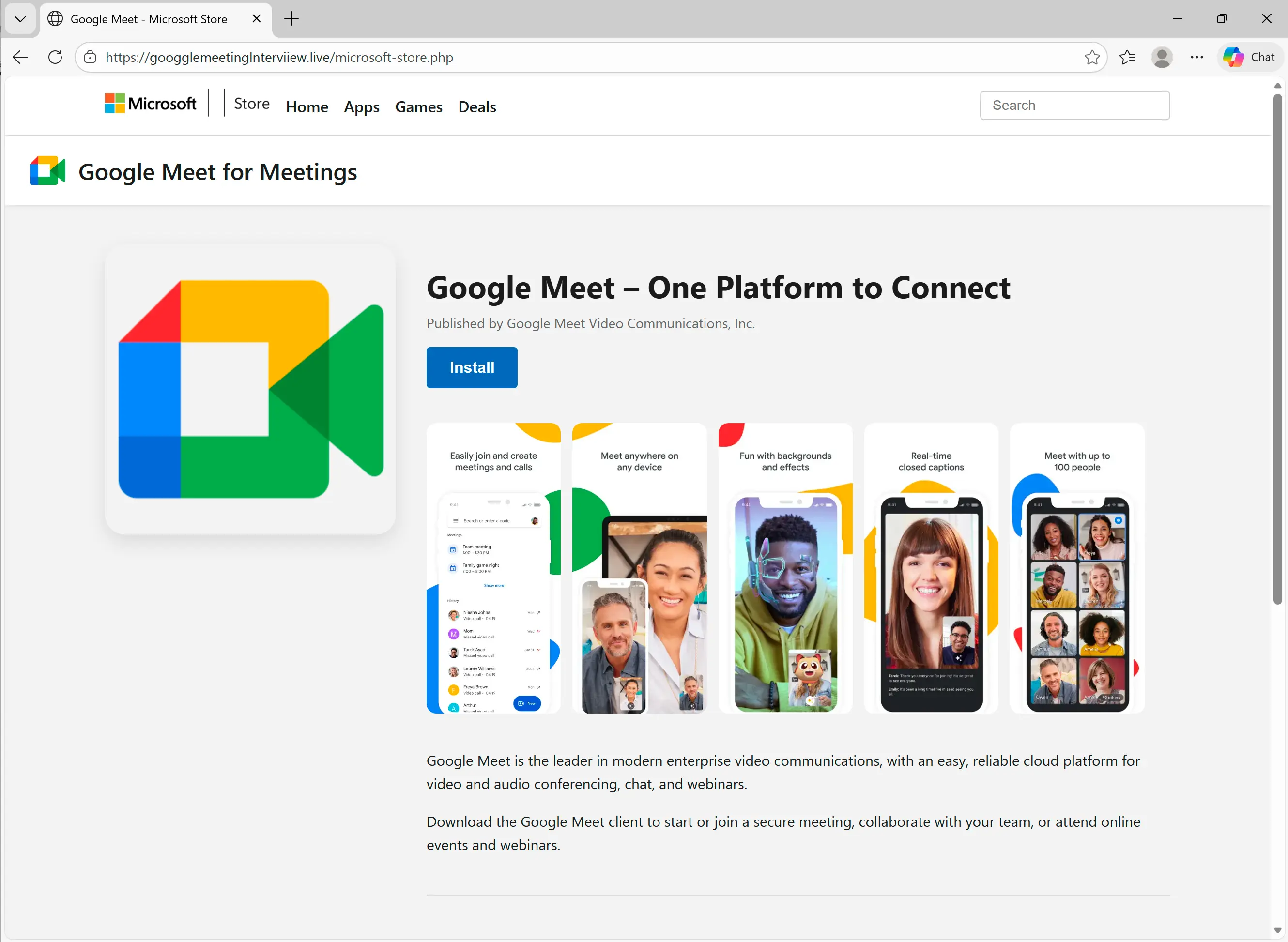
Clicking the Install button downloads a file impersonating a Google Meeting installer:
- Filename:
GoogleMeet_agent_x64_s-i(__1ee5a65cb5d33e5abbbffc4a09b5bb046961a0e9).msi - SHA256:
ba19a101eb250064b986d9e2c2ba0d9ab668c3d1a37bac3f41424dc9e902fa12
Running this .msi file installs the Teramind remote monitoring tool , configured to allow the adversary to take control of the target’s system. Additionally, running the file sends a notification to the adversary over Telegram to indicate that the malicious file has been executed. This notification includes:
- device type
- browser type
- OS
- geolocation: city, country
- IP
- ISP
While this attack is far from the most involved impersonations we’ve seen (more to come on that in the next few weeks), it features impersonation elements and expected behaviors that fast-clicking targets could easily fall prey to.
Detection signals
Sublime's AI-powered detection engine prevents this type of attack. Some of the top detection signals were:
- Lookalike domain: The linked URL (
googglemeetinglnterviiew[.]live) attempts to impersonate Google and includes intentional misspellings for evasion. - Suspicious sender domain: The sender’s domain was registered within the past 20 days.
- Google impersonation: The message’s basic HTML formatting lacks Google's standard branding elements.
- DKIM failed: DKIM authentication failed for the message.
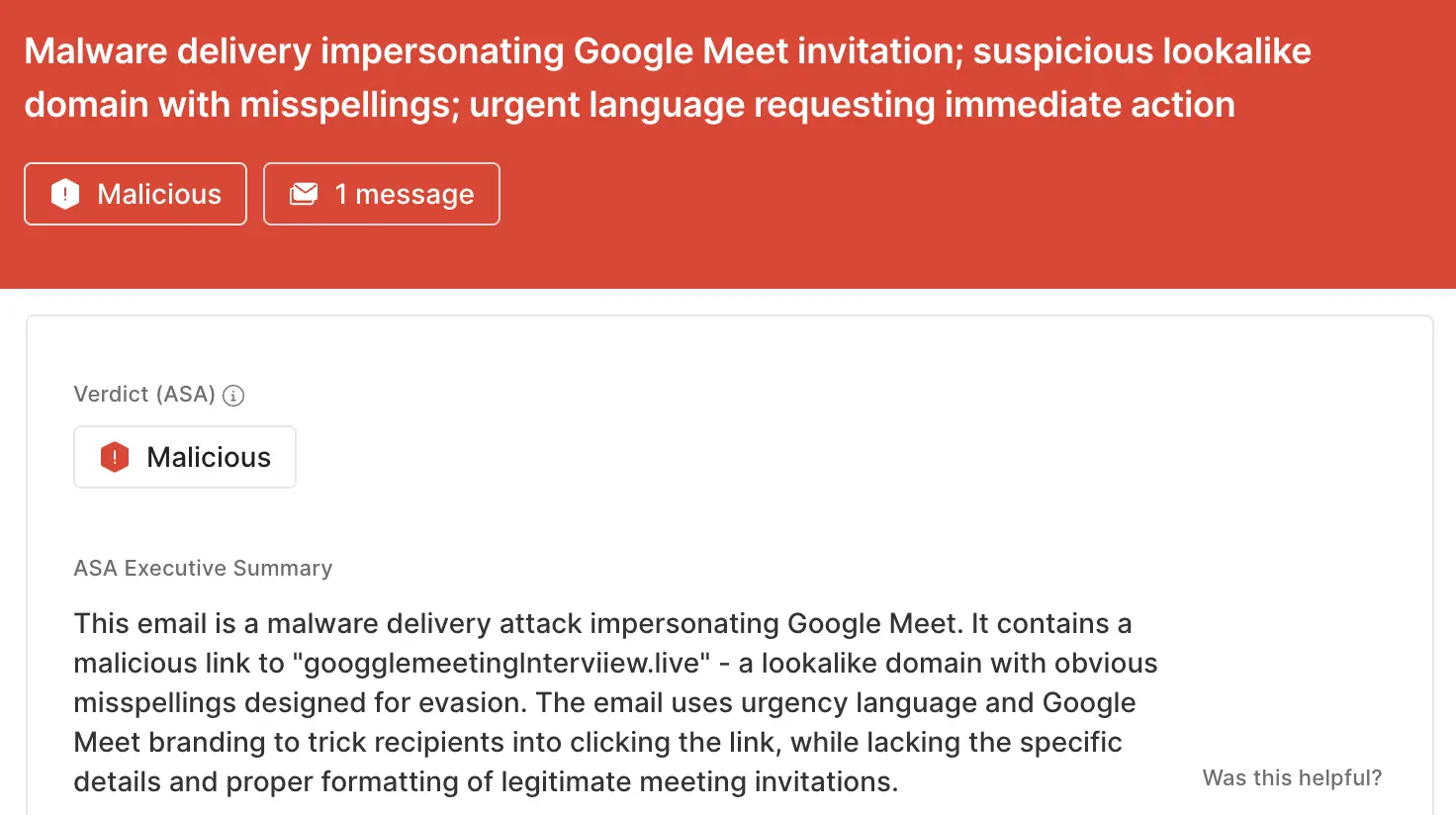
ASA, Sublime’s Autonomous Security Analyst, flagged this email as malicious. Here is ASA’s analysis summary for this example:
Look before you launch
Attackers use the ubiquity of virtual meetings as camouflage for their attacks, knowing human targets may not even look twice before clicking Join. That’s why the most effective email security platforms are adaptive, using AI and machine learning to shine a spotlight on the suspicious indicators of the scam.
If you enjoyed this Attack Spotlight, be sure to check our blog every week for new blogs, subscribe to our RSS feed, or sign up for our monthly newsletter. Our newsletter covers the latest blogs, detections, product updates, and more.
Read more Attack Spotlights:
Get the latest
Sublime releases, detections, blogs, events, and more directly to your inbox.
.svg)



.avif)
