
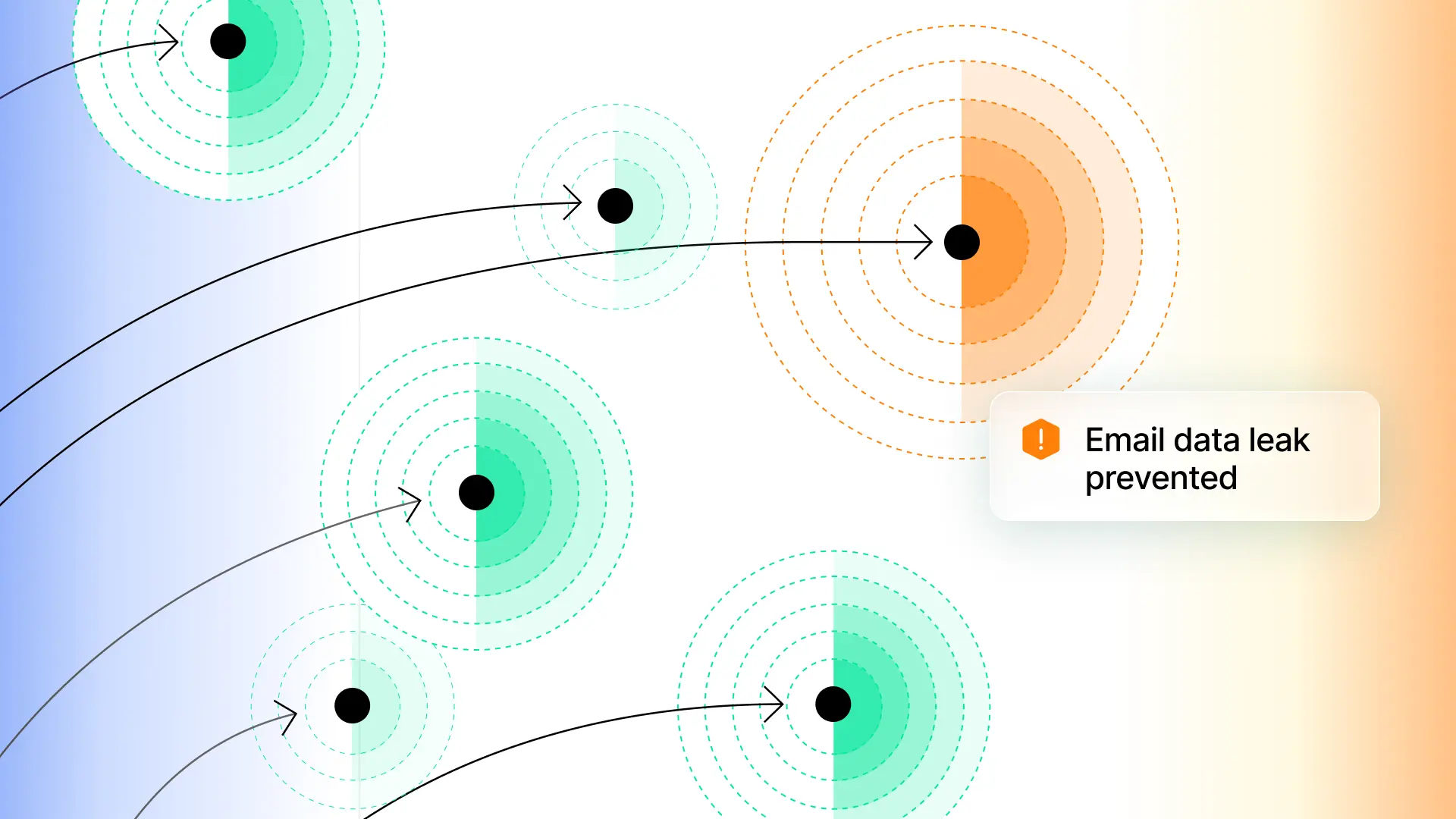



Data loss through email remains one of the most common and least-addressed risks in security. An employee accidentally sends a spreadsheet containing Social Security numbers to a personal email account. A developer forwards source code with embedded AWS credentials to an external consultant. A finance team member emails a report with credit card numbers instead of a purchase order. Traditional DLP platforms exist to prevent this sort of data loss, but they aren’t optimized for email.
To close this gap, we're launching Sublime Email DLP to extend the platform’s transparent, org-specific protection to outbound and internal email.

How Sublime Email DLP works
With Sublime Email DLP, both outbound and internal messages are routed to Sublime via transport rules (Microsoft 365) or routing rules (Google Workspace).
Email DLP uses the same detection methods that Sublime already uses for inbound, but now it introduces purpose-built coverage for outbound mail. That means Email DLP coverage is tailored to your environment, backed by powerful enrichment functions (natural language understanding, file explosion, computer vision, etc.), and is integrated with powerful Automations and Actions to simplify workflows.
Flagged messages appear in a new DLP Flagged Messages triage view, where analysts can classify them as violation or non-violation and respond accordingly. Additionally, every action is audit logged, from manual classifications to rule changes.
Transparent, unified detection
Sublime Email DLP brings inbound and outbound protection together using a unified detection approach. That means Sublime uses the same language, set of enrichment functions, and transparent logic for all email security.
When a message is flagged or blocked, you can see exactly why, down to the specific pattern match or enrichment function result. For compliance teams, this means defensible audit trails. For security engineers, it means the confidence to turn on blocking mode. And unlike tools that force you to manage inbound and outbound separately, Sublime unifies both in a single platform.
Org-specific policies, not rigid templates
Every organization has different data to protect. Sublime Email DLP lets you craft policies tailored to your specific environment, including your data types, your domains, and your exceptions, rather than forcing you into pre-built templates that don't fit.
Need to block outbound emails containing unencrypted PII sent to non-corporate domains? Now you can. Need to flag messages with financial data sent by specific departments? That too. The same MQL enrichment functions that power Sublime's inbound detection (regex, NLP, file analysis and dozens more) are available for Email DLP.
We're also launching a curated, open-source DLP Feed covering common use cases out of the box:
- PII detection: Social Security numbers, driver's license numbers, passport numbers
- Financial data: Credit card numbers, bank account and routing numbers
- Healthcare: PHI patterns for HIPAA compliance
- Secrets: AWS keys, GitHub tokens, private keys
Install the Feed, activate only the rules that apply to your environment, and you have baseline DLP coverage in minutes.
"Our buyers needed assurance that proprietary data like pricing structures, designs, and style codes wouldn't leak to personal email or competitors. Sublime Email DLP let us deploy outbound protection in days, with policies tailored to our specific data types, all on the same platform we already use for threat detection."
– Anand Prem, Cyber Security Engineer, Classic Fashion
One platform for inbound, internal, and outbound
Most organizations manage inbound email threat detection and outbound email DLP as completely separate tools, separate consoles, separate teams. This creates blind spots.
Because Sublime Email DLP lives natively in the platform, your DLP Flagged Messages appear alongside your inbound threats in a unified triage experience. Same workflows, same automation engine, same audit logging. And on our roadmap, shared context between inbound and outbound signals will unlock even higher detection efficacy.
Get started with Sublime Email DLP
Sublime Email DLP is available now in public beta for Microsoft 365 and Google Workspace. Existing customers can reach out to their account team to enable it today.
Not using Sublime yet? Get a demo to see Email DLP in action.
Get the latest
Sublime releases, detections, blogs, events, and more directly to your inbox.
.svg)

.avif)
