


.svg)
Sublime’s Attack Spotlight series is designed to keep you informed of the email threat landscape by showing you real, in-the-wild attack samples, describing adversary tactics and techniques, and explaining how they’re detected. These attacks can be prevented with a free Sublime account.
EMAIL PROVIDER: Microsoft 365
ATTACK TYPE: Phishing
Direct send phishing attacks have been in the news lately, and we’ve been receiving questions about whether or not Sublime detects and prevents them. The short answer is, “Yes, Sublime stops these attacks.”
The long answer is that Sublime stops these attacks because it treats all messages the same, independent of send methodology. In the case of the unauthorized use of Direct Send, a malicious message sent via that method would get detected as an inbound message with failed authentication and analyzed accordingly – just like any other message. Let’s dig into Direct Send more and look at a few attack examples.
What is Direct Send?
Direct Send is a way to send unauthenticated messages to mailboxes within a Microsoft 365 tenant. There are a variety of valid uses of Direct Send for sending email messages from internal devices. Here’s how Microsoft describes it (source):
Direct Send is a method used to send emails directly to an Exchange Online customer’s hosted mailboxes from on-premises devices, applications, or third-party cloud services using the customer’s own accepted domain. This method does not require any form of authentication because, by its nature, it mimics incoming anonymous emails from the internet, apart from the sender domain.
How is Direct Send abused?
Direct Send is enabled by default. This means that attackers could send unauthenticated messages directly to the Microsoft 365 mail server, which then sends them to the intended target mailbox within the same organization. The default domain for Direct Send is domainname.mail.protection.outlook[.]com.
Importantly, this URL can be used to bypass in-line email security solutions in the case that it's configured to scan messages prior to reaching the Microsoft 365 server (ex: the MX record points to the email security solution).
Using this well-documented information, any adversary could start an attack either by first conducting recon to confirm if a specific domain uses Microsoft 365 or by just sending blindly. As an example, an attacker could use the Send-MailMessage PowerShell cmdlet to spoof anyone within a Microsoft 365 tenant (Note: Direct Send only allows spoofing of accounts within a tenant). Here’s a callback phishing example:

That message is spoofing the CEO of a company while requesting an urgent callback from someone in IT. A simple example, but this method can also be used to attach malicious payloads with the -Attachment parameter.
If authentication (SPF, DKIM, DMARC) isn’t configured, these messages should be flagged as spam by Microsoft 365, but this isn’t always the case. If authentication is configured correctly, these messages will fail to authenticate, a common signal of malicious intent.
Is Direct Send evidence of an attack on its own?
No. Direct Send on its own is not valid proof of an attack. There are a wide variety of valid use cases for Direct Send, like:
- Multi-function printers/copiers
- Voice message notifications
- Network infrastructure alerting
- Internal, custom built applications
For this reason, Direct Send can’t be considered a standalone indicator when classifying messages. If Direct Send is treated as a malicious indicator, an email security solution could initially flag a lot of false positives until the organization carved out exceptions for a growing list of devices and services. This is why it’s more important for email security solutions to treat every message the same, using a full range of analysis techniques for accurate classification.
Let’s take a look at a few malicious Direct Send messages that were detected and prevented by Sublime.
Direct Send abuse examples
We’ll take a look at two different examples of Direct Send abuse. The first is a fake expense reimbursement message, potentially sent directly from an expense management tool. The second is a fake voicemail notification. Both have been identified as Direct Send messages based on indicators within their EML, but we’re going to look at why those indicators weren’t an important part of detection.
Example 1: QR code phishing via reimbursement
This first attack starts with a message about monthly expense reimbursements. Right away, we can see that the sender and recipient are the same email address. Self-sending is a common detection signal in Direct Send attacks, and more broadly in large phishing campaigns. Additionally, this message is using time-sensitive, financial language (common in attacks) in the subject to increase open rates.
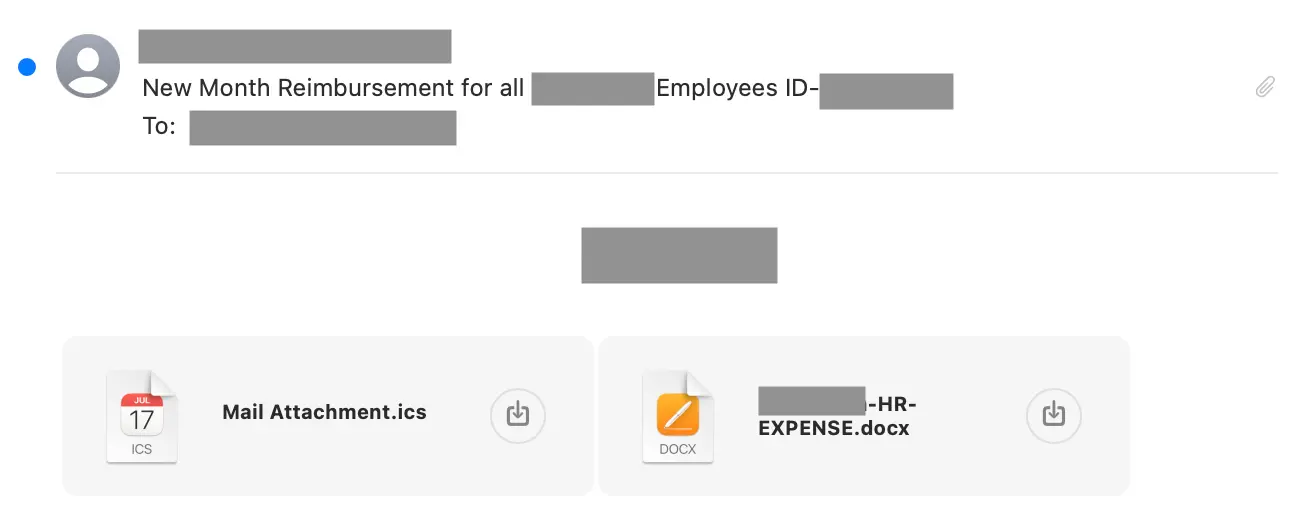
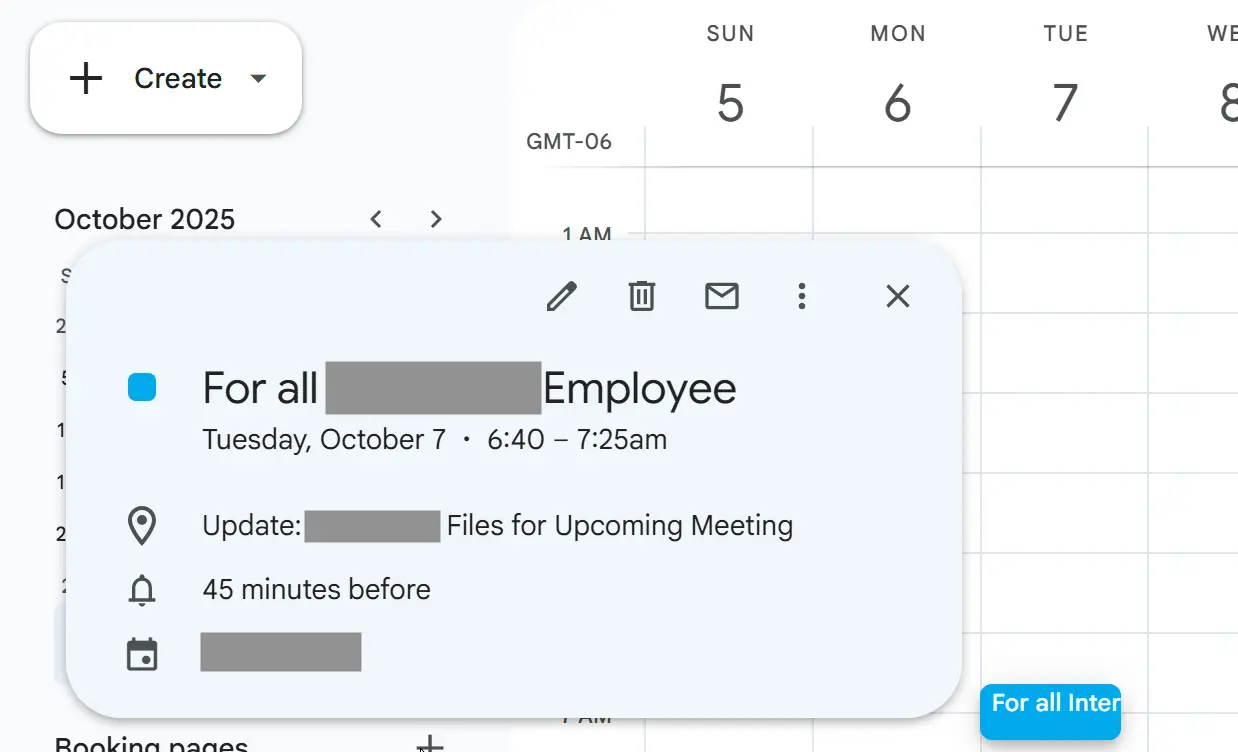
This message contains no body text and two attachments, a common evasion tactic for avoiding text analysis. The attached .ics file creates a fake meeting, but contains no malicious payload.
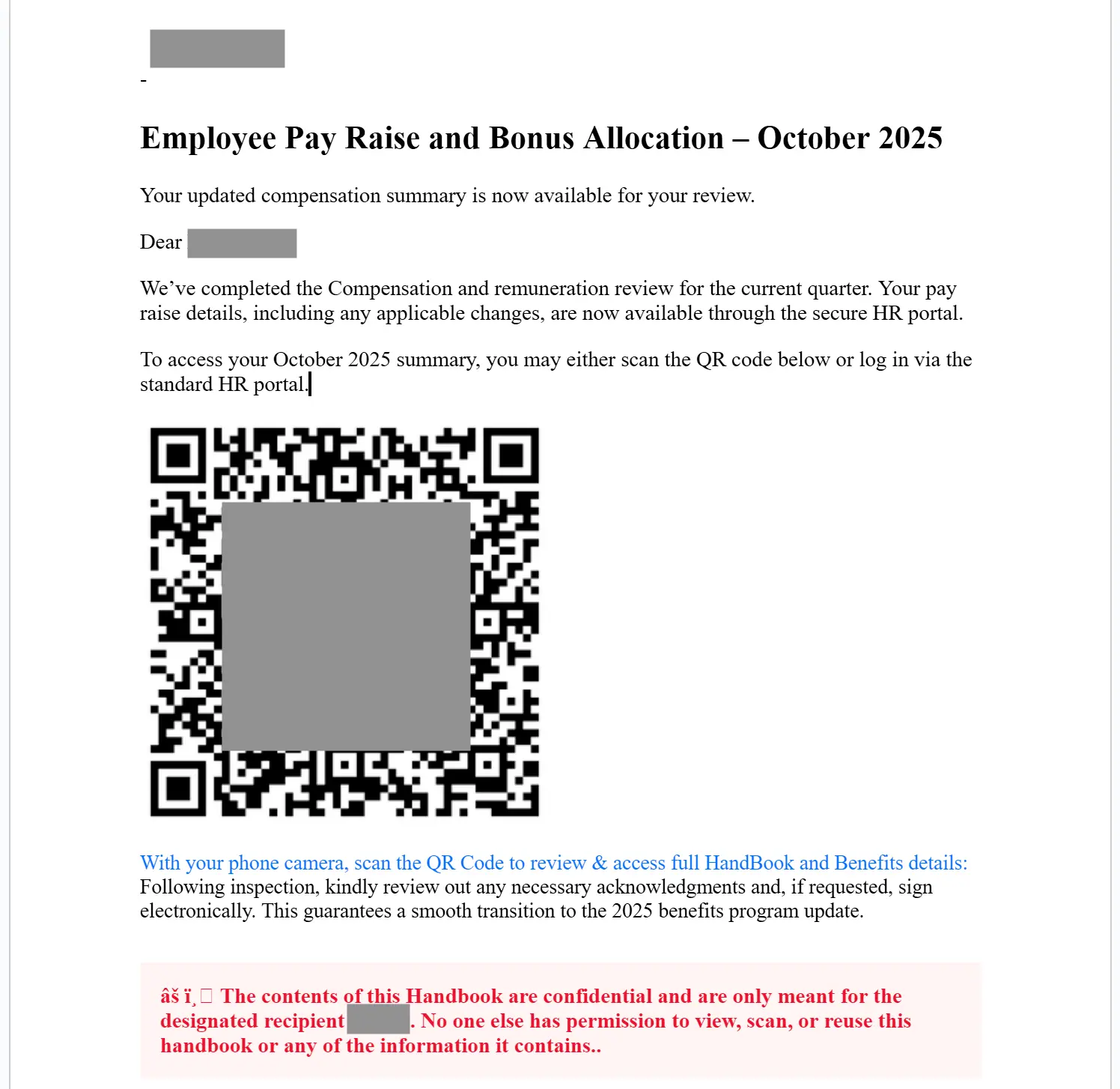
The .docx file, though, contains a QR code that can be scanned to get to an “Employee Pay Raise and Bonus Allocation” site. Both inconsistent intent (subject and attachment mismatch) and out-of-band pivots (moving from inbox to mobile camera scan) are common attack signals.
Sublime explodes files during file analysis to explore the content held within, shutting down a common evasion tactic for attackers. Learn about file analysis.
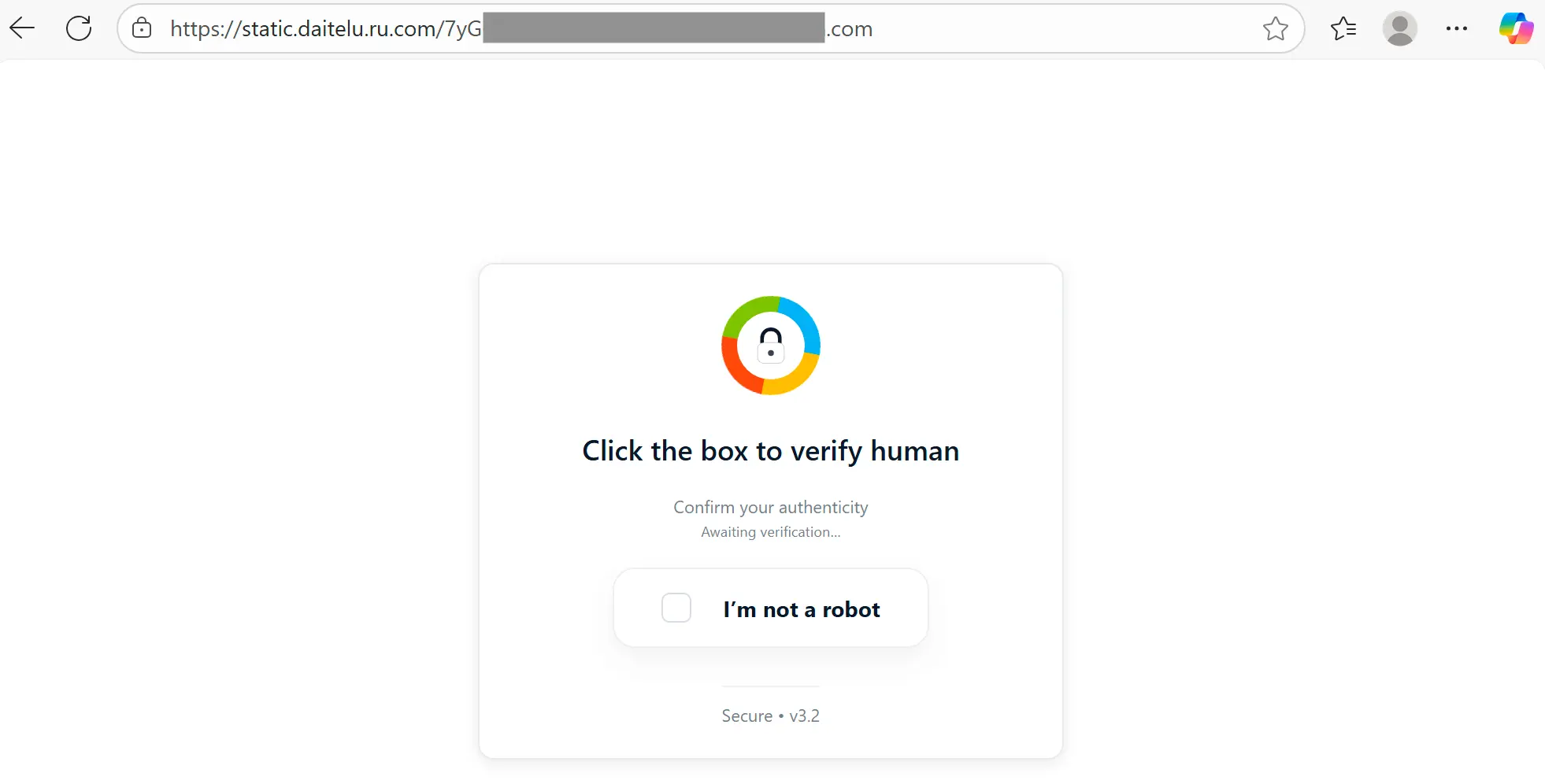
If the target scans the QR, they are taken to a Russian (.ru) website that starts with a fake challenge page, followed up by a fake Outlook page, and finally a fake Microsoft login credential phishing page. The use of a Russian domain to host these pages is another attack indicator.
Sublime uses computer vision to identify and read QR codes and link analysis to follow redirects to their final destination. Learn more about our machine learning enrichments.
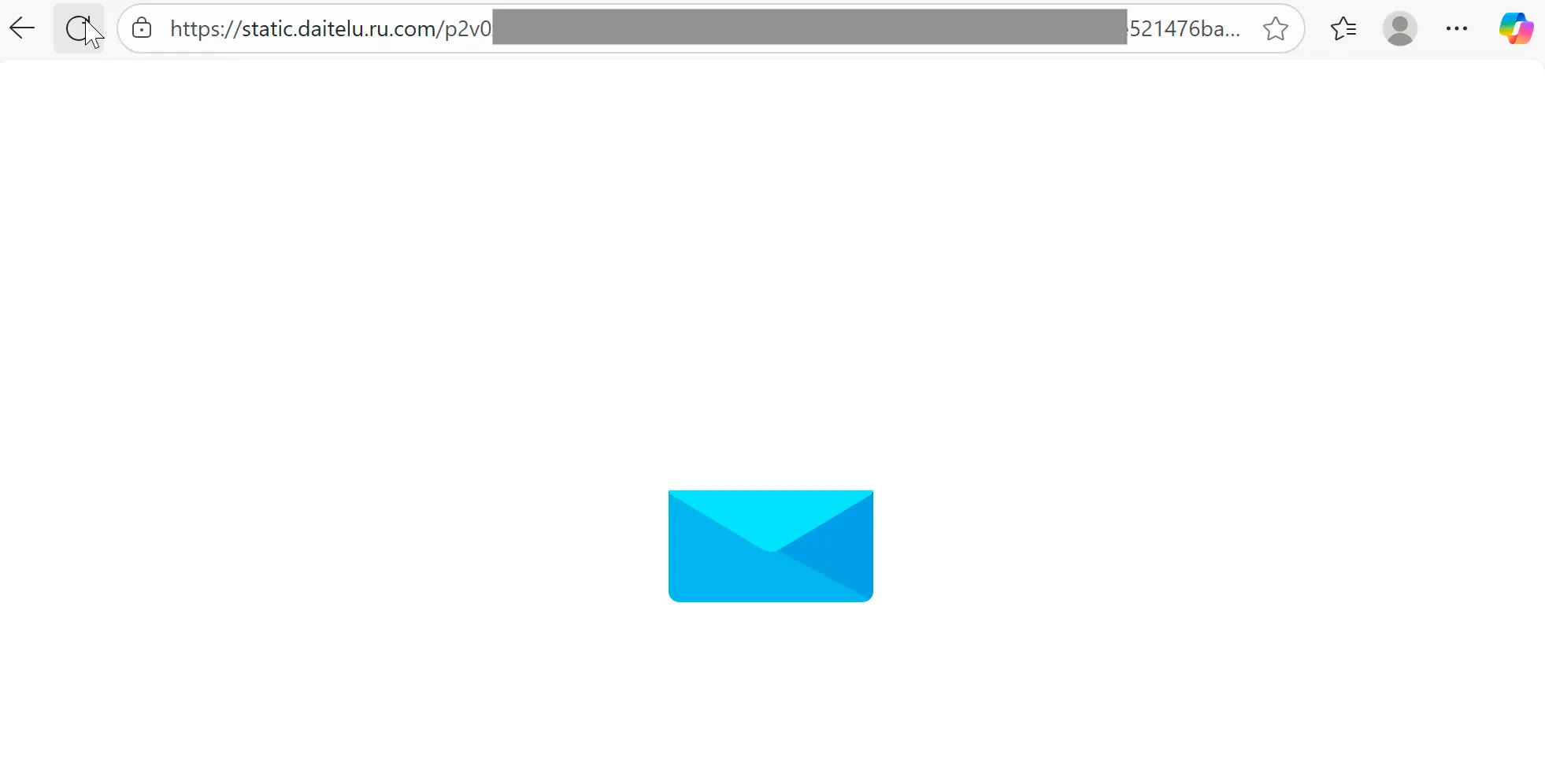
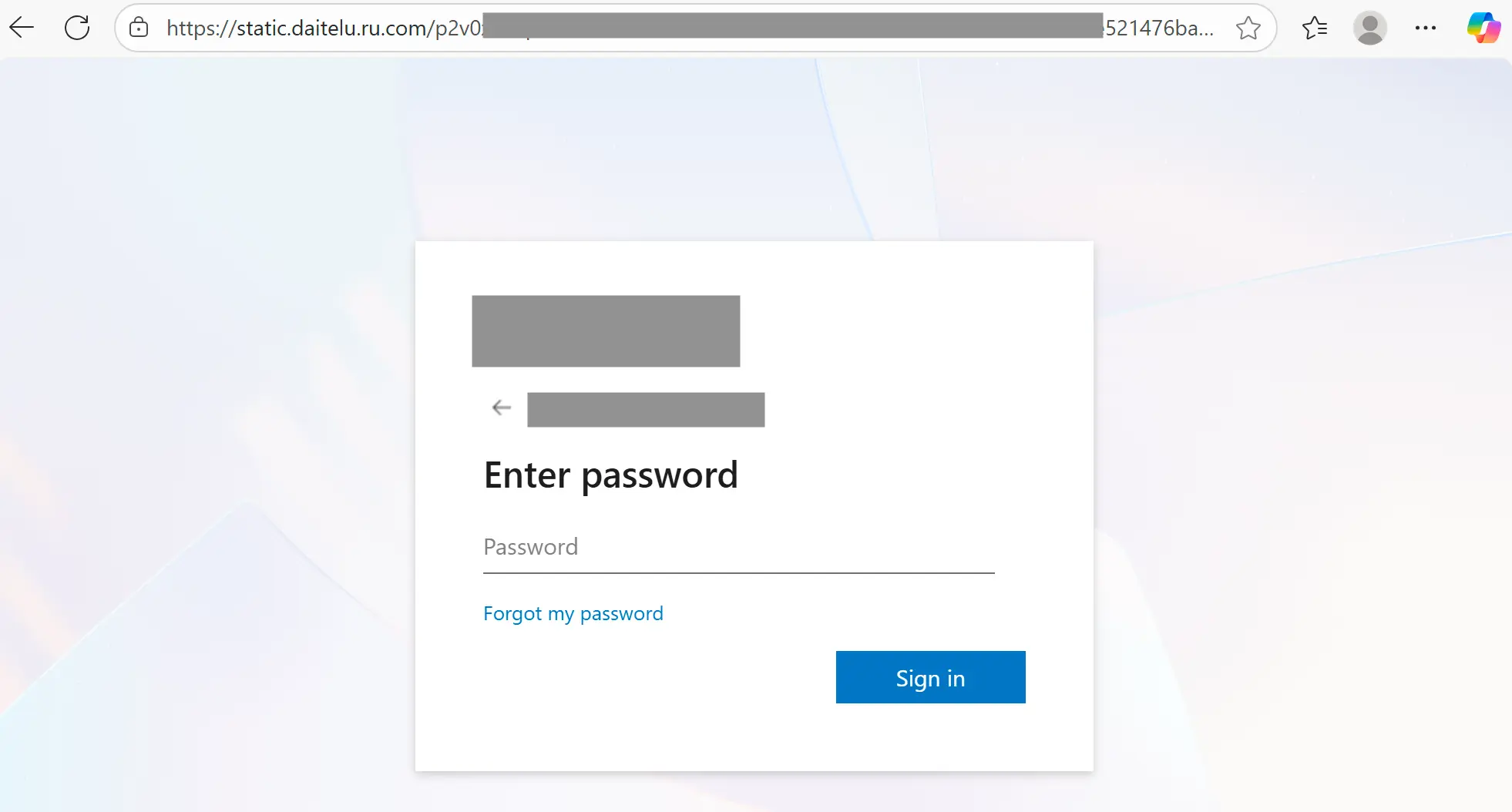
We’ve already identified a handful of malicious indicators within this message, none of which have anything to do with Direct Send. One more that you can’t see from these screens, is that the original message failed both SPF and DMARC authentication (both are attack signals used in analysis).
Detection signals
Sublime's AI-powered detection engine prevented this attacks. Here are some of the top signals:
- Failed authentication: There were both SPF and DMARC authentication failures.
- Self-sender pattern: A matching sender and recipient is typical of mass phishing campaigns.
- Out-of-band pivot: Document instructs recipient to scan QR code with phone camera, moving the attack to a new device.
- Suspicious QR code: A QR code was embedded within an attachment to avoid scanning and it led to a suspicious Russian domain.
- Empty body: The email utilizes multiple attachments but minimal body content – a technique to evade content filtering.
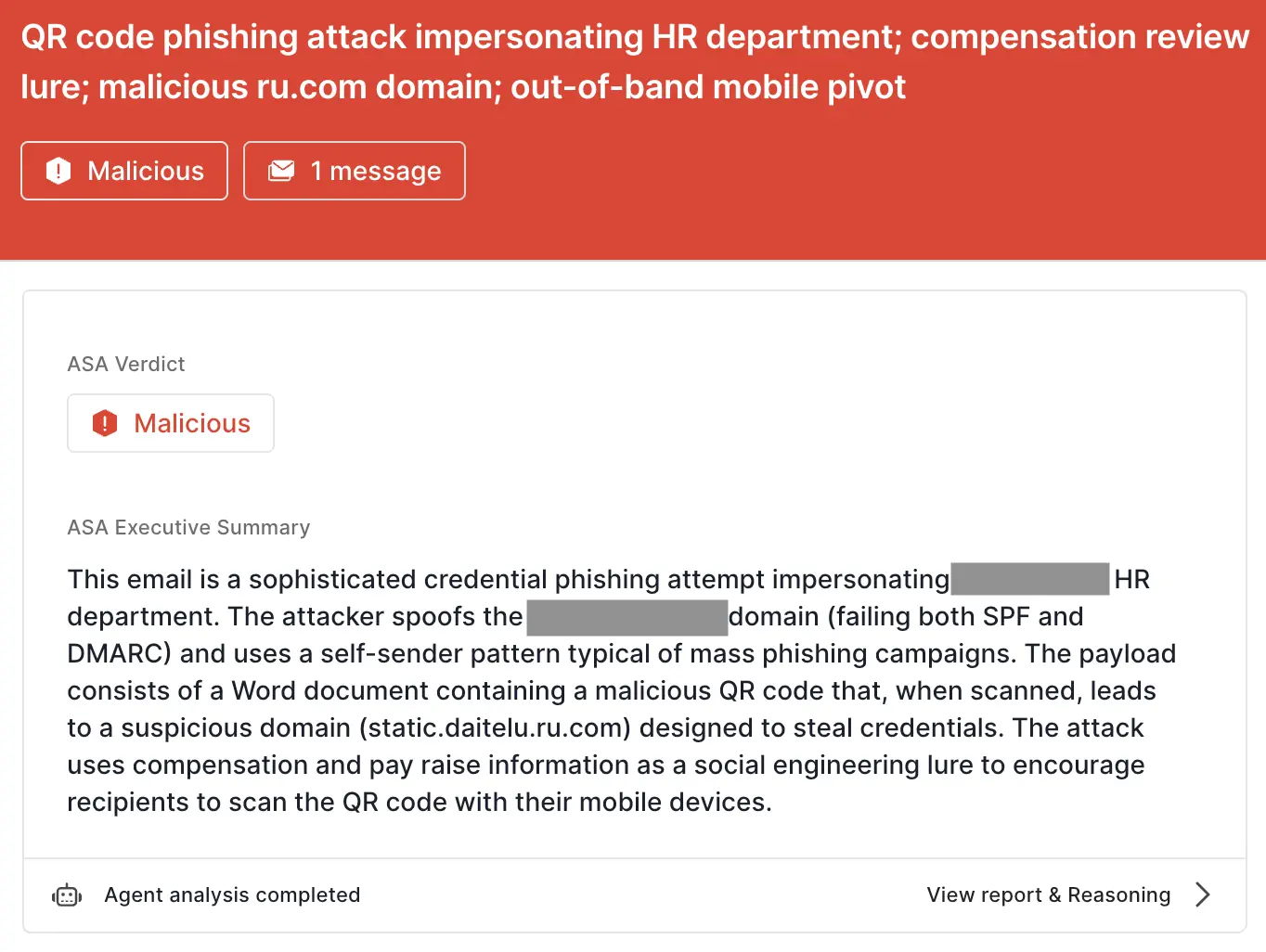
ASA, Sublime’s Autonomous Security Analyst, flagged these emails as malicious. Here is ASA’s analysis summary for this message:
Example 2: Malicious SVG via voicemail notification
As one more quick example, we’ll look at a fake voicemail notification. In this message, we see the same self-sender pattern, as well as the same blank message body. This one also uses an attachment to deliver the payload, but instead of using a QR code, it uses a malicious SVG disguised as a voicemail.
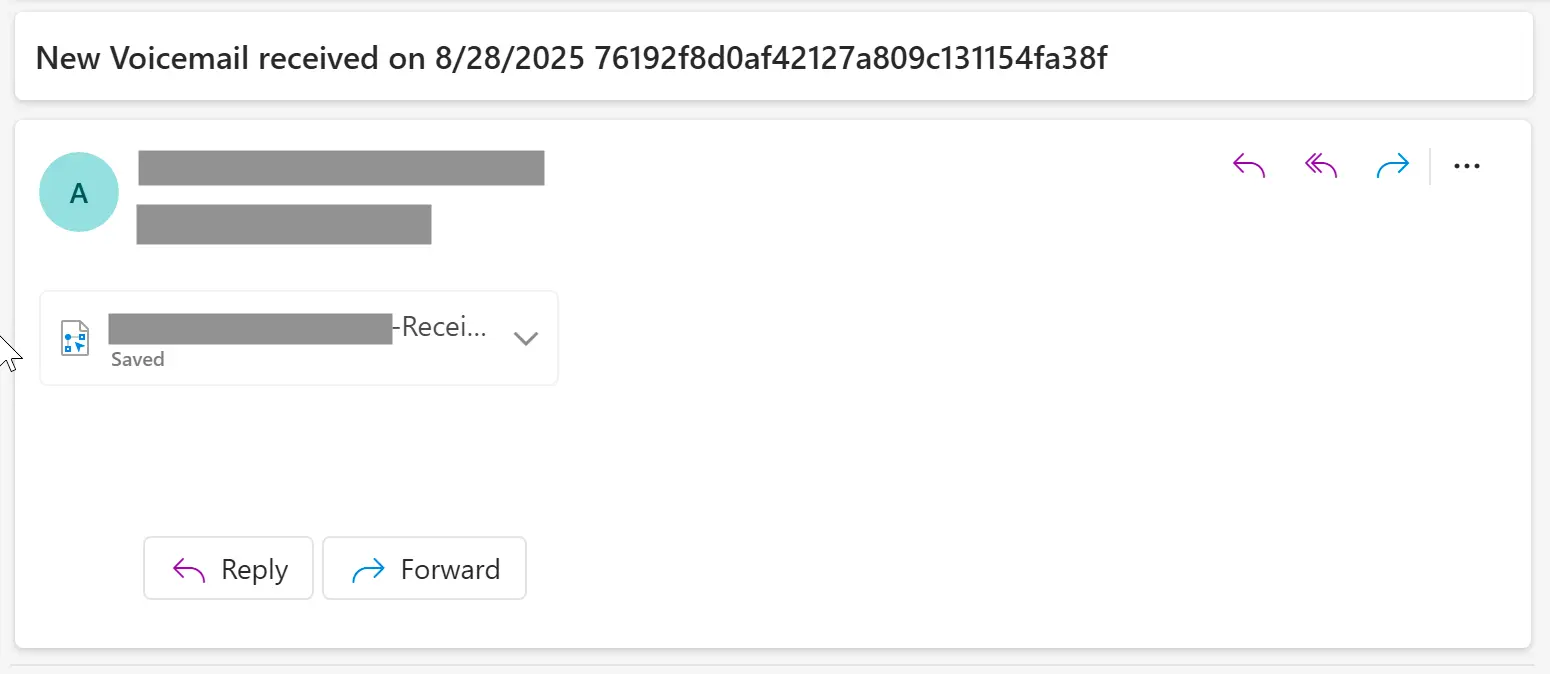
The attached file contains the domain name of the target’s company (another common tactic to fake legitimacy), but instead of being an audio file, it’s an image file. While mostly thought of as images, SVGs have an XML structure that allows for the embedded of non-image content. In this case, there is a harmful <script> within.

The script contains two layers of Base64 encoding, which decode down to a redirect to a credential phishing landing page:
https://tiwauti[.]com/?wptouch_switch=desktop&redirect=
https://impasse4335.secretlagoone[.]com/zSyaHRU7YeLxY7G/#M
If the target opens the attachment to listen to their voicemail, it will open in the default application for SVGs, which is generally a web browser. It will then redirect automatically to the credential phishing page. Redirects and Base64 encoding are both commonly used evasion techniques.
Sublime identifies Base64 encoded strings within text content and decodes them into readable strings. Learn about Base64 scanning.
If you’ve been reading our blogs, this attack may seem familiar. We covered a very similar to one in our Base64-encoding an SVG attack within an iframe and hiding it all in an EML attachment blog. This reinforces that, while Direct Send was used for delivery, it was not an important detection signal. Here’s what was:
Detection signals
Sublime's AI-powered detection engine prevented this attacks. Here are some of the top signals:
- Failed authentication: There were both SPF and DMARC authentication failures.
- Self-sender pattern: A matching sender and recipient is typical of mass phishing campaigns.
- Mismatched subject and attachment: The message subject is about a voicemail notification, but the attachment is an SVG.
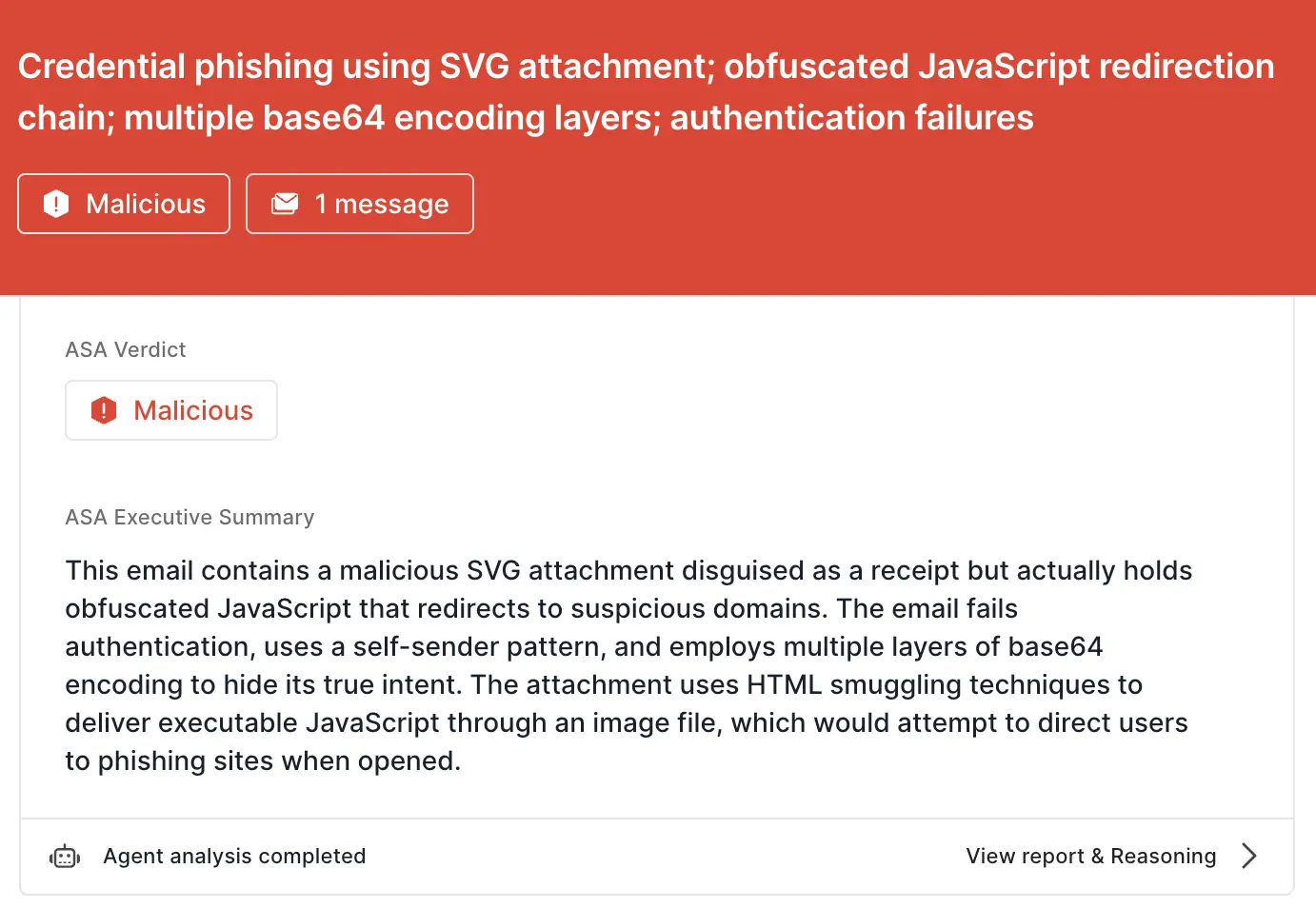
- JS smuggling: The attachment is an SVG file with embedded JavaScript that executes upon opening.
- Base64 evasion: The script payload contains multiple layers of base64 encoding to hide malicious URLs.
Here is ASA’s analysis summary for this message:
There are no shortcuts in email security
While Direct Send abuse is real and rampant, it’s not an instant indication of malicious intent. That’s why the most effective email security platforms are adaptive, using AI and machine learning to shine a spotlight on the suspicious indicators of the scam.
If you enjoyed this Attack Spotlight, be sure to check our blog every week for new blogs, subscribe to our RSS feed, or sign up for our monthly newsletter. Our newsletter covers the latest blogs, detections, product updates, and more.
Read more Attack Spotlights:
Get the latest
Sublime releases, detections, blogs, events, and more directly to your inbox.
.svg)


.avif)
