

Sublime
Brand Resources and Guidelines
Guidance for using the Sublime logo and brand assets for internal and external partners.

These guidelines ensure the Sublime brand remains consistent, recognizable, and credible across all uses
High-level details on how to use the Sublime logo in your marketing and media communications is included below. Please work closely with your Sublime counterpart for detailed guidelines and approvals through the internal Brand Review process.
The Sublime logo exists in two lockup variations. Default to the Primary horizontal lockup whenever possible. The Secondary stacked lockup should be used when space constraints or layout needs require it.
.svg)
.svg)
The Sublime logo exists in four color variations. Default to the primary variation whenever possible. The single-color versions should only be used in low production environments where color cannot be controlled or accounted for.
.svg)
.svg)
.svg)
.svg)

.svg)
Logo mark
The logo mark refers to the Sublime logo mark used in isolation without the word mark, as a favicon, avatar, or profile image. There are two variations: Green and Dark:
- Green is used for external-facing tools and applications
- Dark is used for internal-facing tools and applications


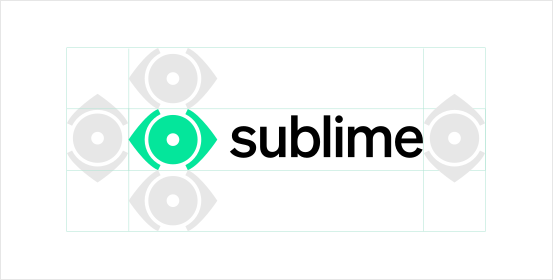
Rules for logo misuse are outlined here with descriptions. If you have questions or concerns about logo usage please contact your Sublime counterpart.






Now is the time
See how Sublime delivers autonomous protection by default, with control on demand.
.avif)



