.svg)

.svg)
.svg)
.png)
.svg)





Enhanced graymail protection
Sublime classifies graymail with the same engine that detects threats, then routes bulk mail by policy and learns which senders belong in each inbox.
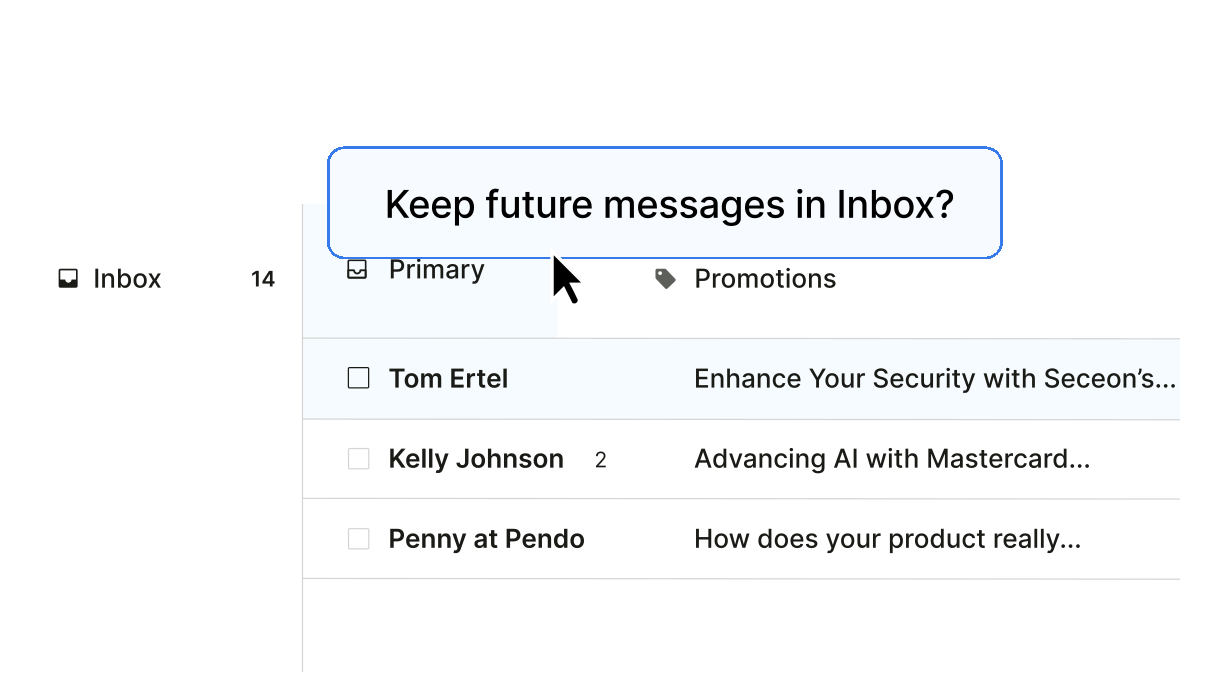


Bulk mail is burying the email that matters
Newsletters, promotions, and vendor blasts make up a large share of inbound mail. Important messages get lost, and users lose time digging.
Important mail gets buried
High-volume bulk mail crowds the inbox, so people miss or delay the messages they actually need to
act on.
Manual controls don't keep up
Users unsubscribe one sender at a time, and admins maintain sender-based filters that break as new bulk senders appear.
Abuse mailbox fills with noise
Much of what users report as suspicious is graymail, not a threat. Each one still pulls analyst time to triage and close.
Less noise for users, less work for your team
Cleaner inboxes for everyone, and hours back for security that used to go to triaging mail that was never a threat.
One setup, every inbox
Graymail control works across Microsoft 365 and Google Workspace, with per-user tuning on top of your baseline.
.svg)
.avif)
.avif)
Learns each user's senders
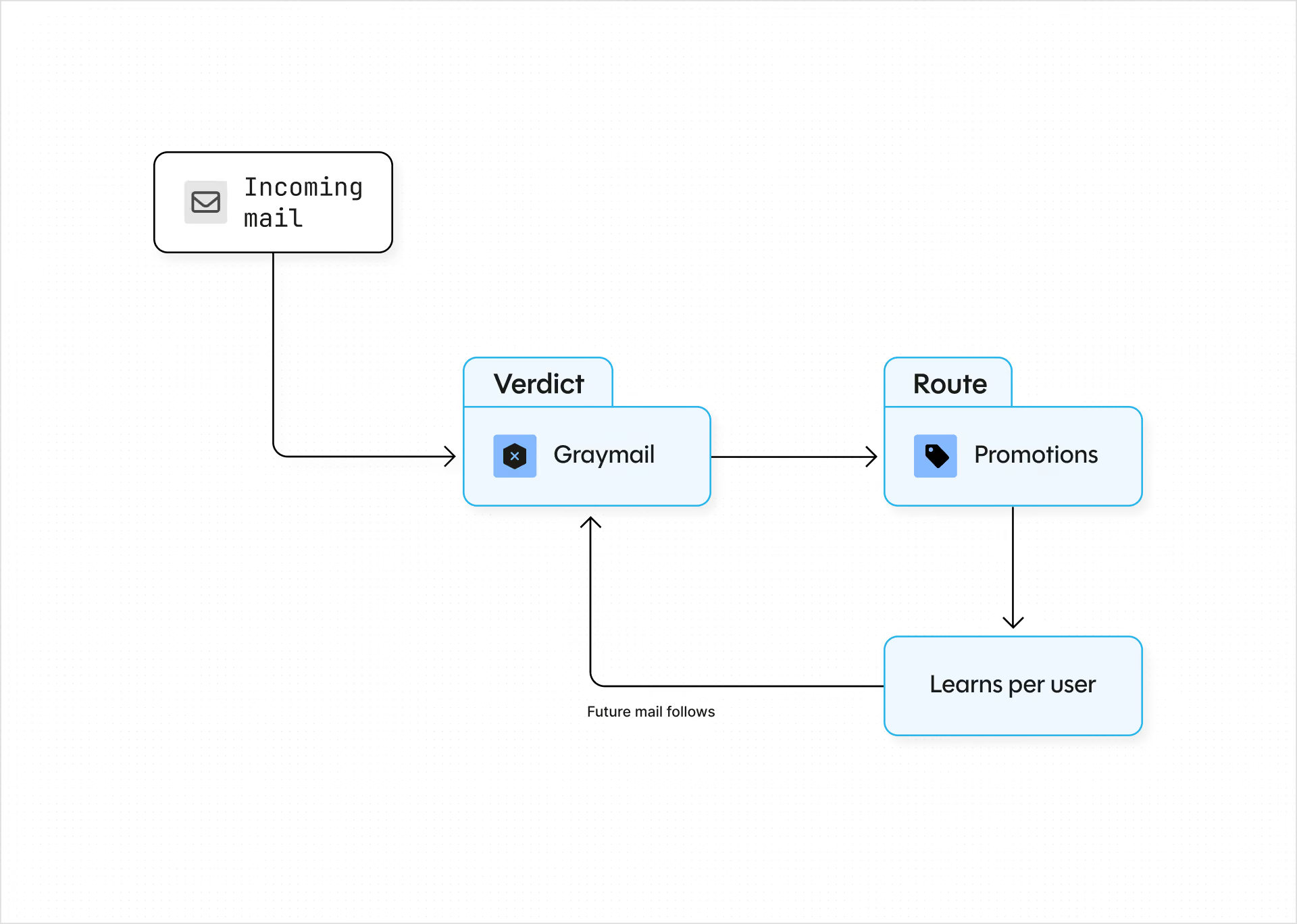
Move a sender to your inbox once and Sublime keeps their future mail there. No personal filters to build or maintain.
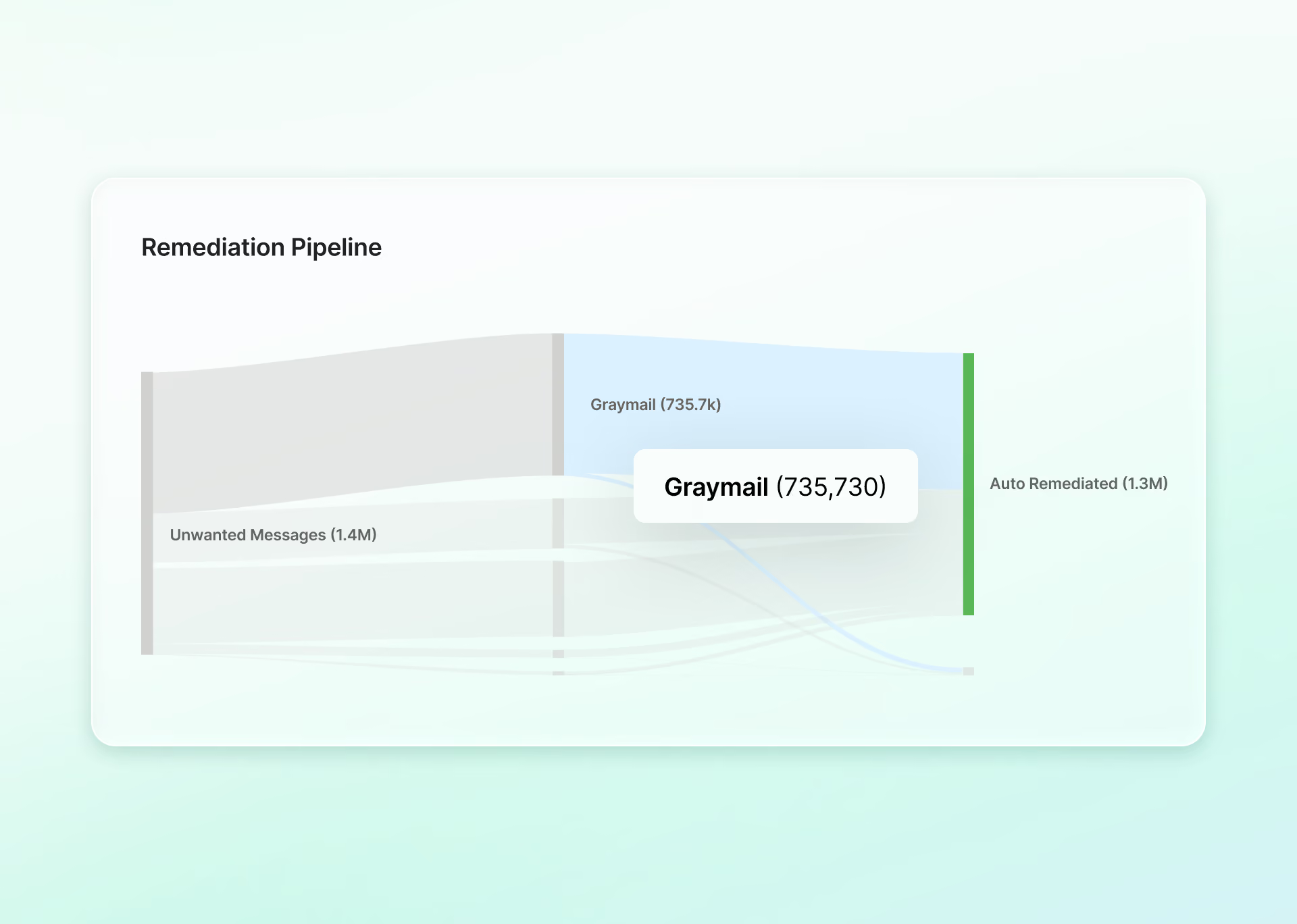
See and trust the routing
A dedicated view and Attack Insights reporting show graymail volume, top senders, and why each message was classified.
A quieter abuse mailbox
Graymail reported as suspicious is routed by the policy your admins already set, so analysts see fewer bulk-mail reports and can focus on real threats.
Ready to see Sublime in action?
.svg)

Frequently asked questions
What is graymail (also spelled greymail), and when should we use it?
Graymail is high-volume, non-malicious bulk mail: newsletters, promotions, vendor announcements, and subscription content. It is not a threat, just noise that buries important messages. Use graymail control when bulk mail is crowding inboxes or filling your abuse mailbox with reports that turn out to be harmless.
How does Sublime classify graymail?
Graymail is classified during the same message analysis that flags threats. One pass, no separate scanner to tune, and the reasoning behind each classification is inspectable in the admin view.
Where does graymail go once it's classified?
To a Promotions folder (recommended) or Spam, applied across Microsoft 365 and Google Workspace.
How do users keep mail they want to see?
When a user moves a message out of Promotions, Sublime keeps future mail from that sender in their inbox. And when a user moves bulk mail into Promotions, Sublime learns to route that sender there going forward. The org sets the baseline; each user refines it in both directions.
Does this replace threat detection?
No. Suspicious messages still surface for review through the normal detection path. Graymail control only changes where non-malicious bulk mail lands.
Where do admins see why a message was routed?
In a dedicated view and in Attack Insights reporting, with the reasoning behind each classification, so you can investigate a complaint or validate a decision.
How is our email data handled?
Customer email data stays in your Sublime instance, is not shared with third-party model providers, and is not used to train third-party models.
How is it deployed, and is it on by default?
Advanced graymail protection is included in Sublime Enterprise and set up per organization. You choose where graymail lands and turn it on; nothing changes until you turn it on.
Now is the time
See how Sublime delivers autonomous protection by default, with control on demand.